Configuring Postman for Sonrai GraphQL API

One-Click Least Privilege. Zero Disruption.

© 2026 Sonrai Security. All rights reserved.
Overview
The Sonrai GraphQL API library allow users to programatically run GraphQL queries for data and mutations to make updates & configuration changes, similar to the GraphQL commands in use by the user interface which can be run in the CPF application using Advanced Search. You can also use external third-party tools to query the Sonrai GraphQL API library, including:
This page describes configuration steps required to use the Sonrai GraphQL API with Postman.
Prerequisites
- Create a Sonrai token in the Org you would like to query:
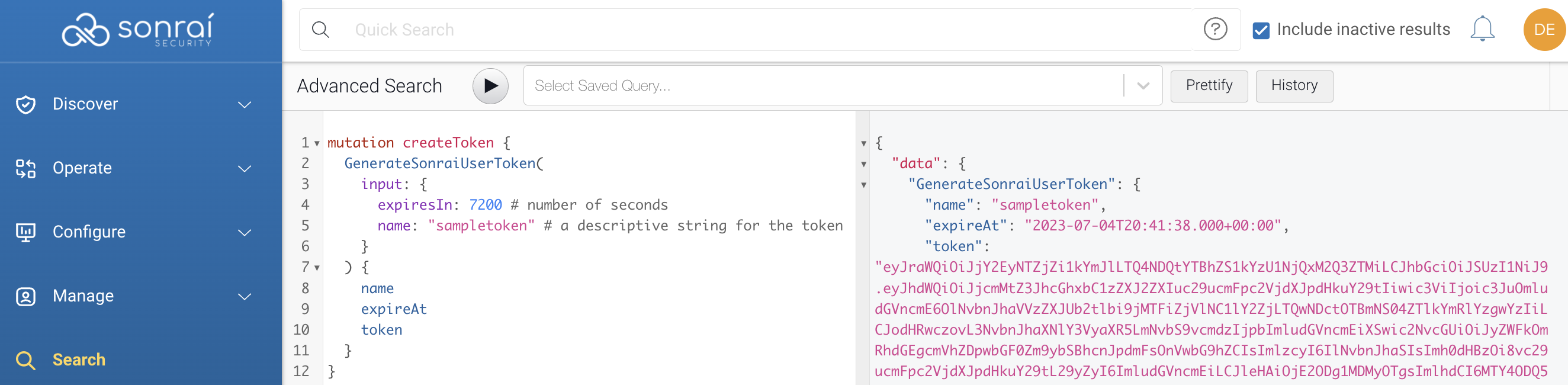
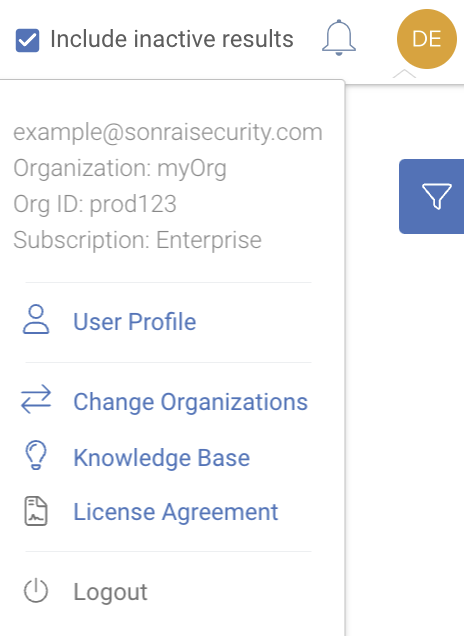
- Retrieve your Sonrai
Org Idby clicking the user profile icon on the top right:
Configuring Postman
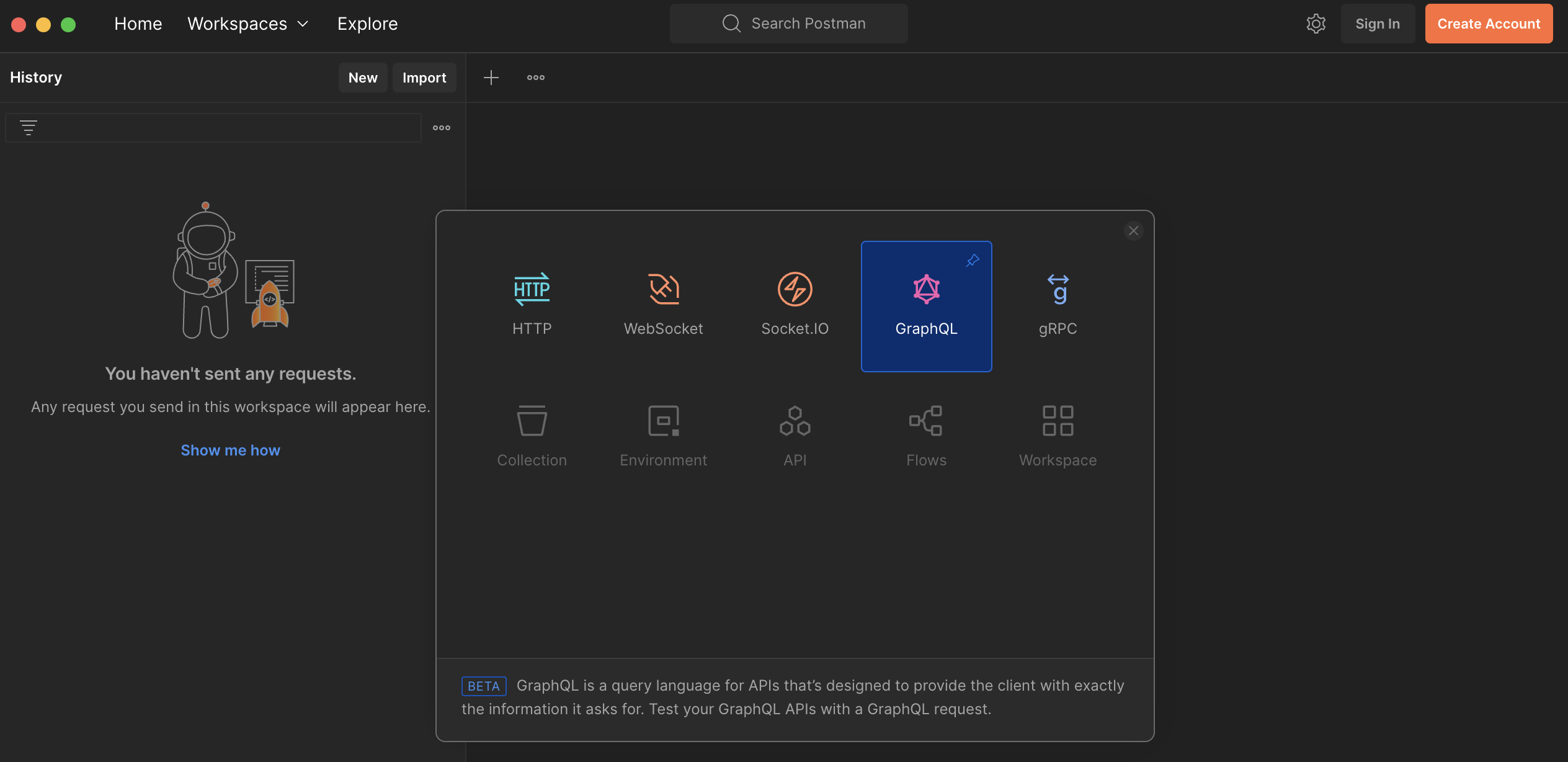
- Click on to create a new
GraphQLrequest:
- In the “Authorization" tab, choose “Bearer Token" as the authentication type and add your Sonrai API token:
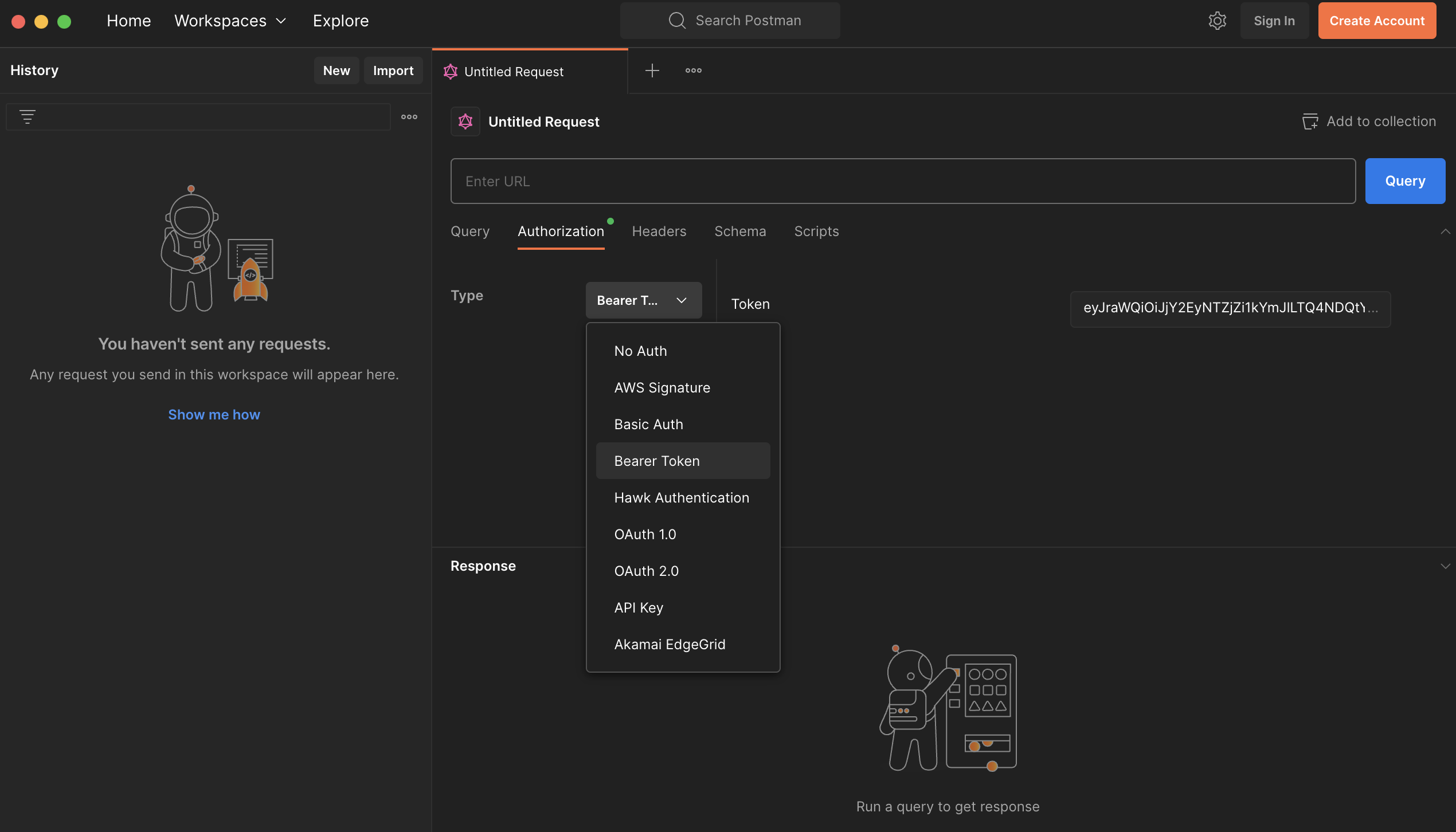
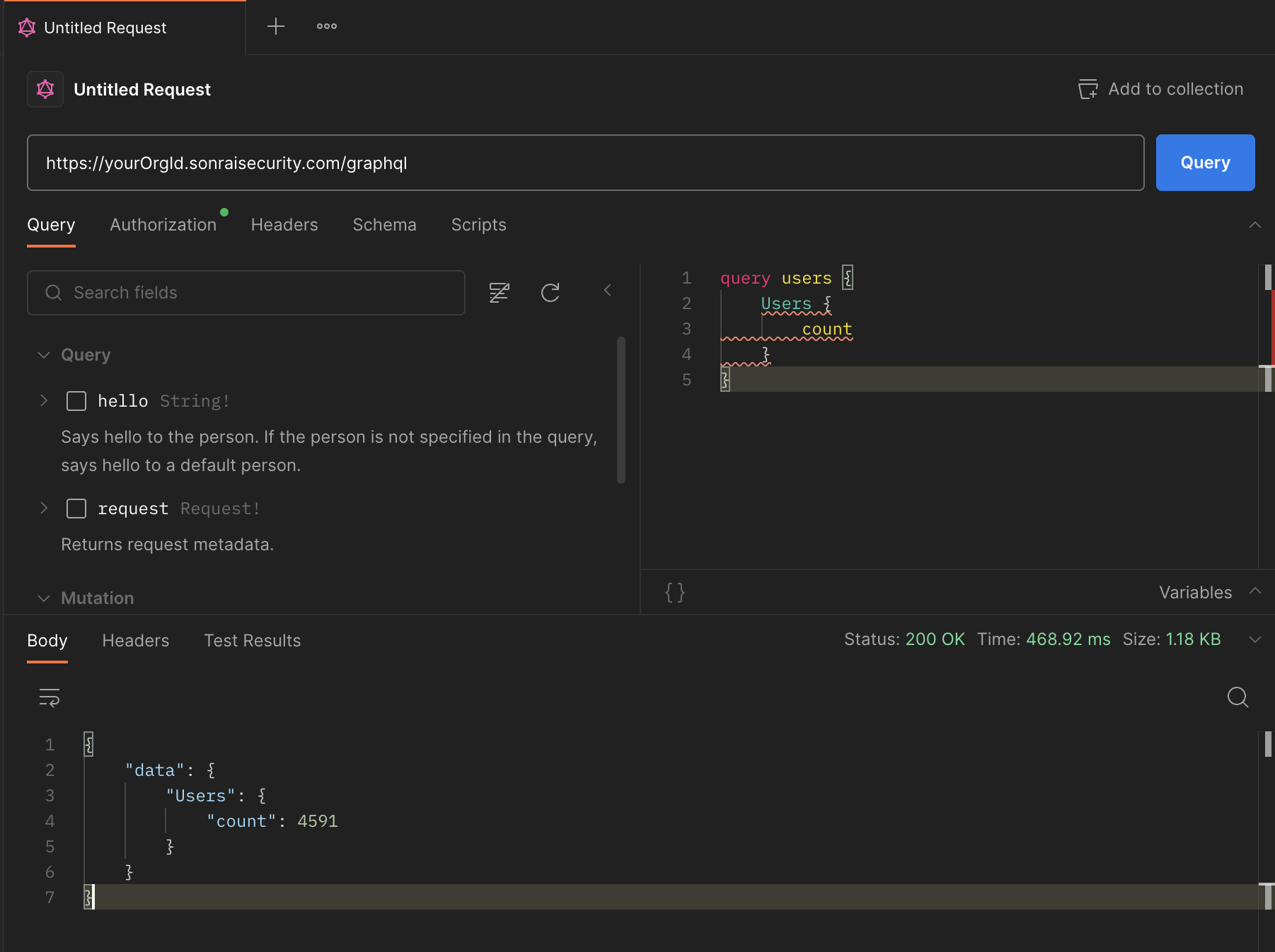
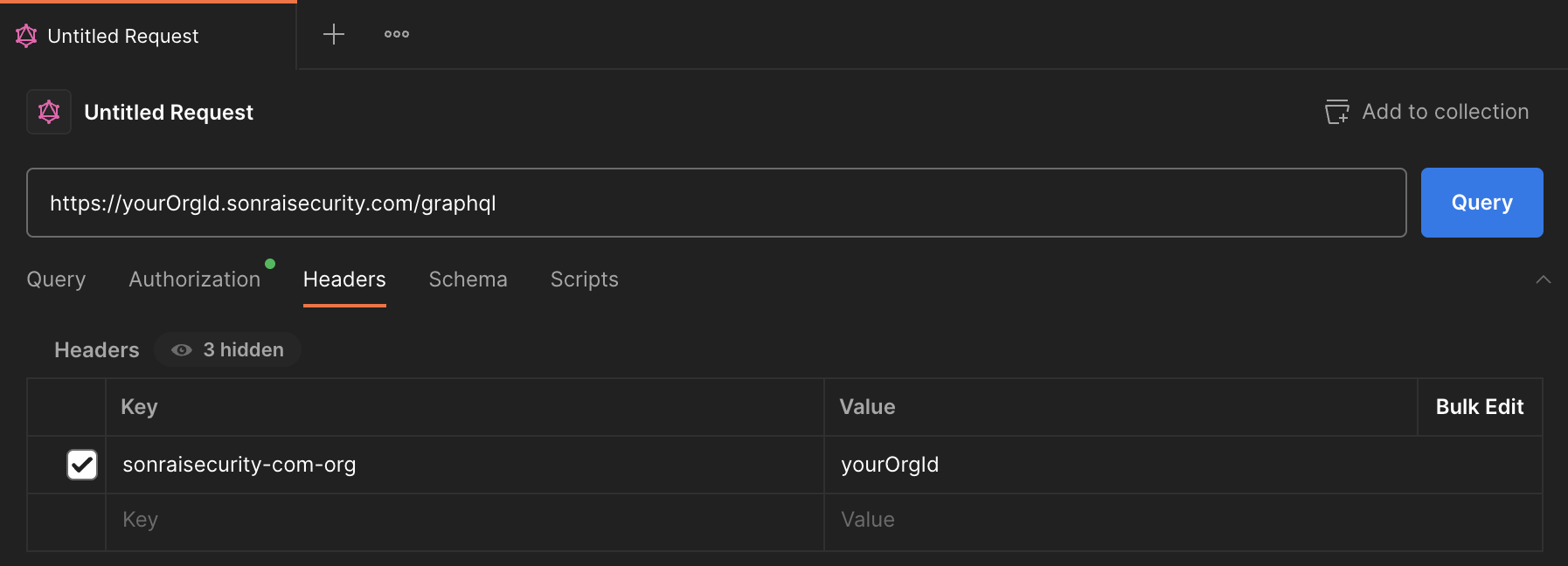
- Input your Org Id into the URL bar to query:
https://<yourOrgID>.sonraisecurity.com/graphql
info
https://<yourOrganization>.sonraisecurity.com/graphql (*if your Org does not display an Org ID)
- In the “Headers" tab, add a request header for
sonraisecurity-com-org=<yourOrgId>
- In the “Query" tab, test a simple query to ensure your configuration is successfully established: