Advanced Search


© 2026 Sonrai Security. All rights reserved.
Overview
Sonrai Advanced Search supports the full GraphQL query language, giving you the ability to build and test complex query logic, or create mutations that alter your Sonrai configuration. A set of sample queries and mutations are available, showing some common use cases for information to query, or configuration changes to apply.
Reference: Learn more about the GraphQL query language.
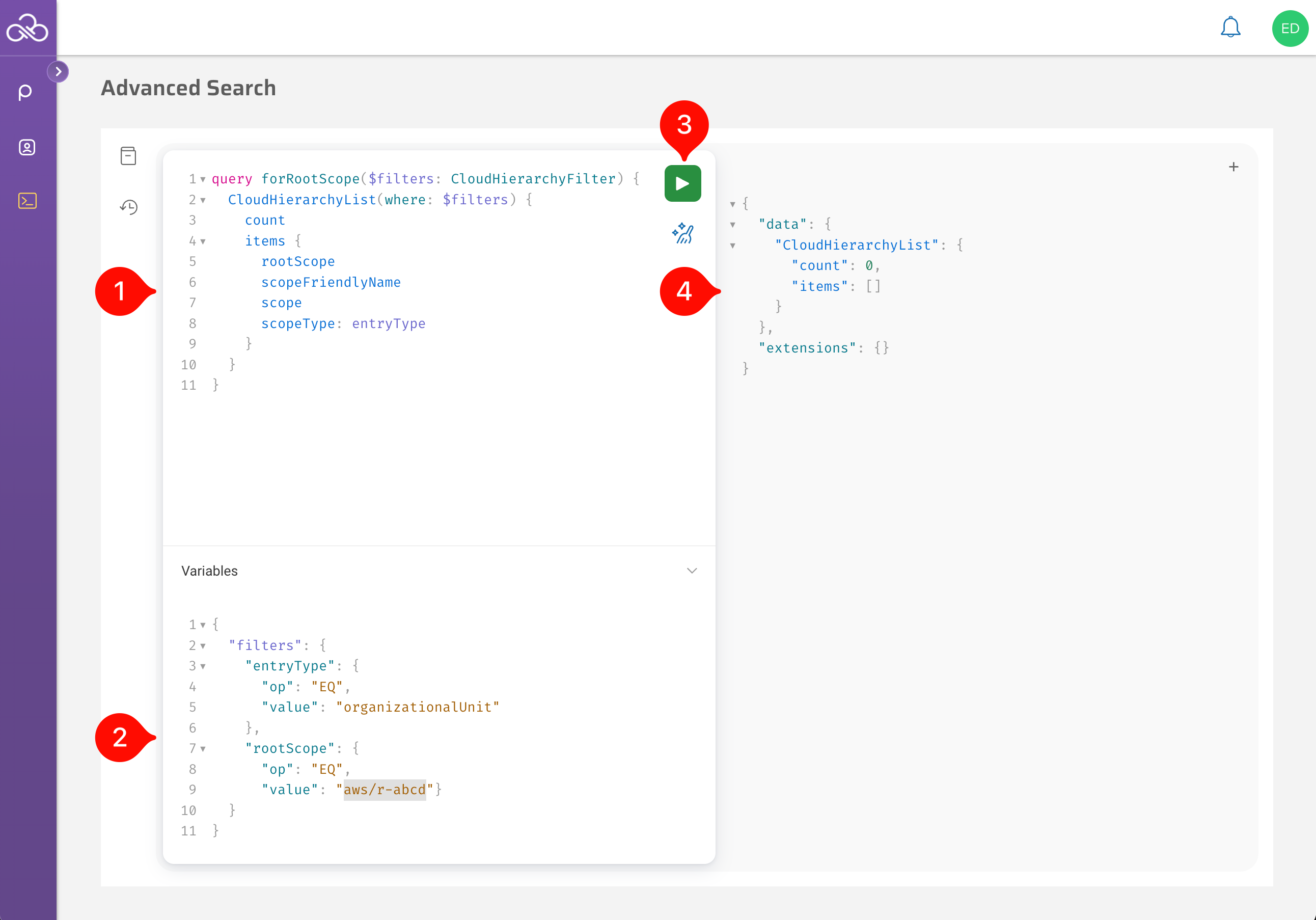
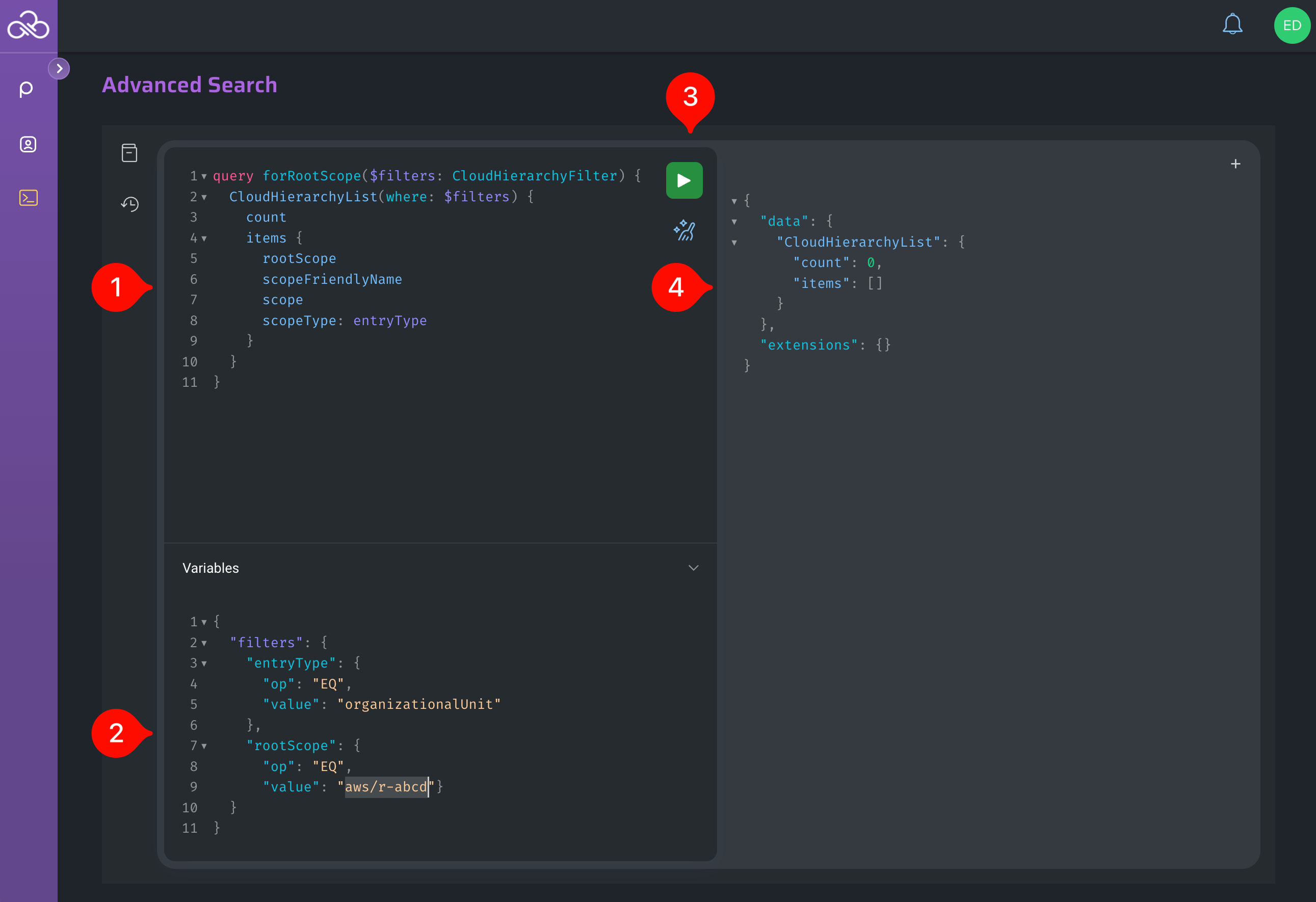
The Advanced Search interface makes creating new queries easy:
- Build your query in the GraphQL editing section, using auto-complete to assist rapid development.
- Set any custom filter variables you require in the Variables subsection. (You will need to expand this subsection before adding content here.)
- Click the Execute Query button, or press Ctrl-Enter, to run your query.
- Review the results of your query.
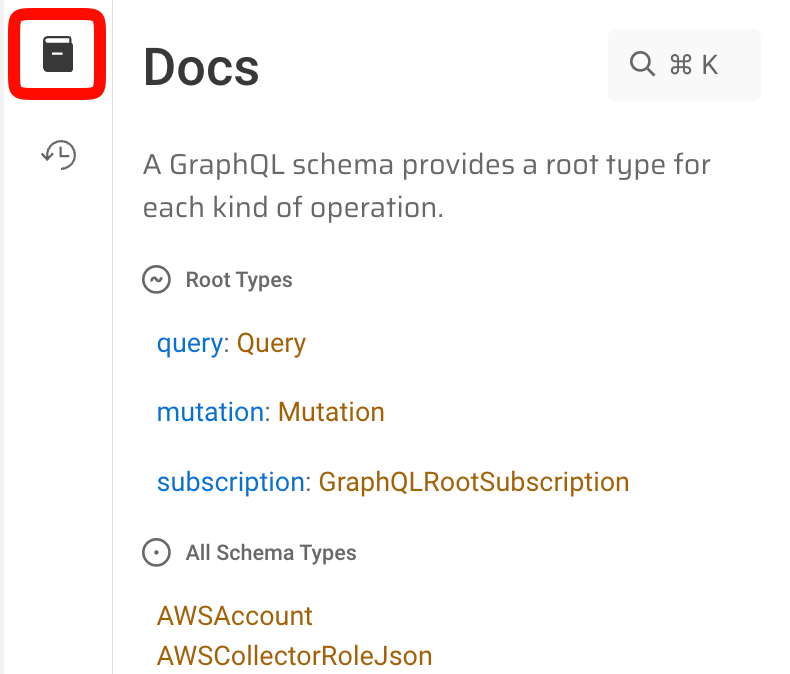
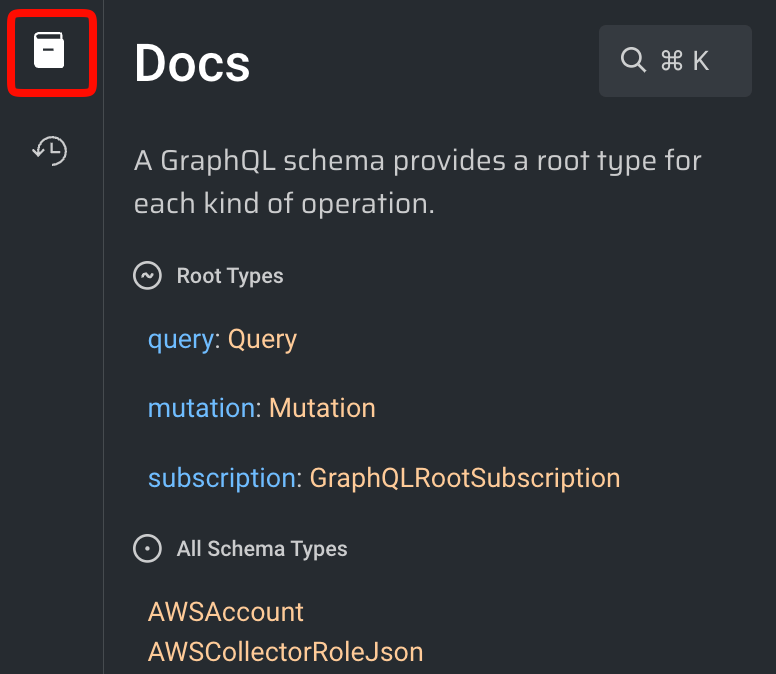
You can also pretify a query that you have written, open new tabs to hold multiple queries at one time, or expand the Documentation Explorer or History panes (shown below) for additional information.
History of Recent Searches
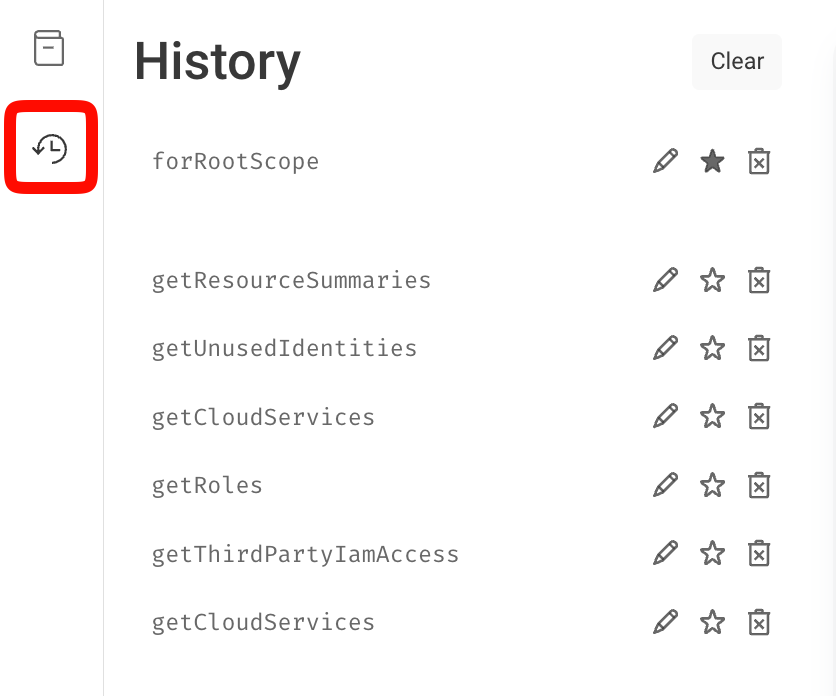
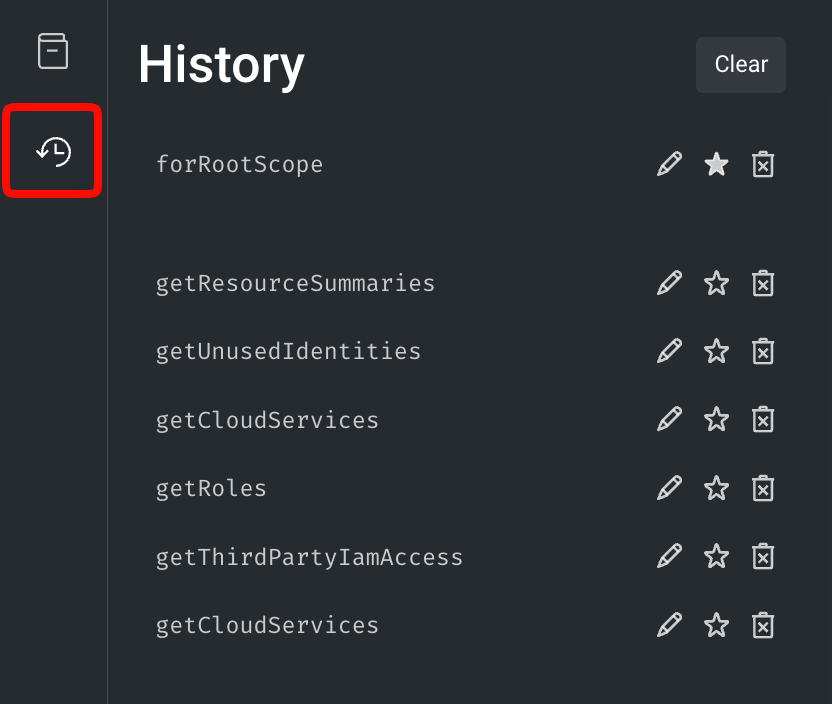
Click Show History to see a list of recently executed queries that you have built.
Advanced Search Syntax Pointers
Values Filter Option
When using op: [OPERATOR] values: [ … ] filters, the “values” filter option only works with op: IN_LIST and op: NOT_IN_LIST tests. If you attempt to use it with other operators, such as CONTAINS, the filter is not activated and will not be applied to your query.
Limits and Offsets
The default number of items returned for queries varies, based on the query at hand (Example: Some are limited to returning 100 results, while others may return 25). To return more [or less] results for your search query, you can leverage limits and offsets.
By changing the offset value, you can effectively page through sets of results, like below:
- Page 1:
items(limit:1000 offset 0 orderBy: {title: {order: ASC} })) - Page 2:
items(limit:1000 offset 1000 orderBy: {title: {order: ASC} })) - Page 3:
items(limit:1000 offset 2000 orderBy: {title: {order: ASC} }))
Sorting by ascending will ensure the same ordering of data is returned when asking for the next offset in the iteration (otherwise the data returned could be duplicated/missing in relation to the first offset).